WinPrune
1 guide found
PC Performance
Look at storage, startup apps, and the work your PC is doing.
START HERE
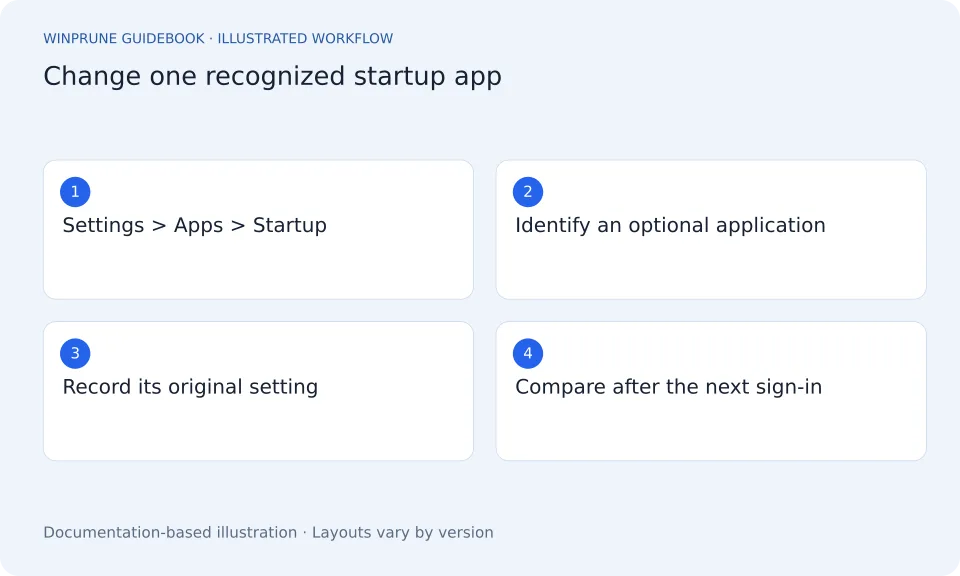
Manage Startup Apps in Windows
Review what starts when you sign in, disable only entries you understand, and keep a record so you can reverse the change.
3 min readBeginner friendlyPublished Updated
Keep exploring your storage.
Get a clearer view of your Windows storage. Start with the guides, then try WinPrune: the Free version scans your drive in about a minute.
Explore the Free and Pro tools One-time payment · No recurring billing
Not sure yet? Download WinPrune free first
Secure checkout by Dodo Payments. Free download for Windows 10 & 11.