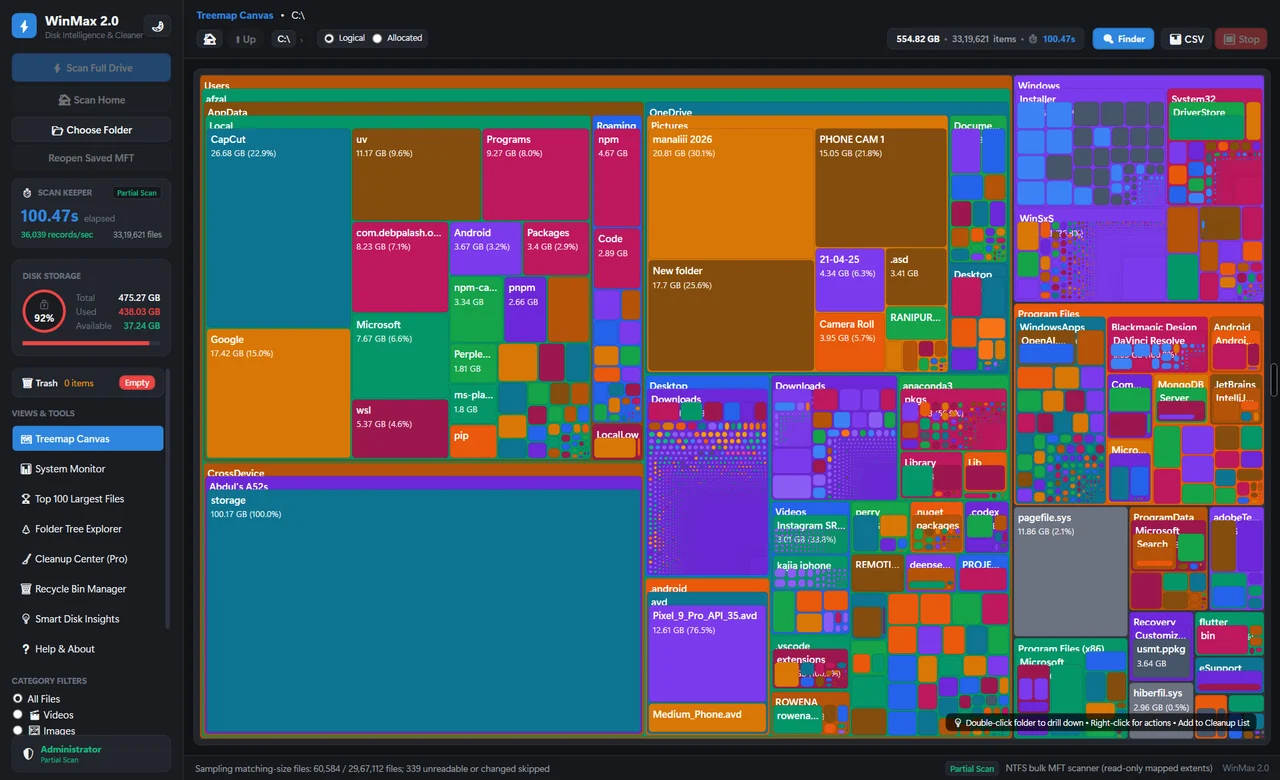
Every way a PC fills up, and how
to fix it.
Windows storage guides from WinPrune. Real folders, clear explanations, and the safe order to review things in.
Understand Storage
Files, apps, and system data. Know what the numbers mean.
Open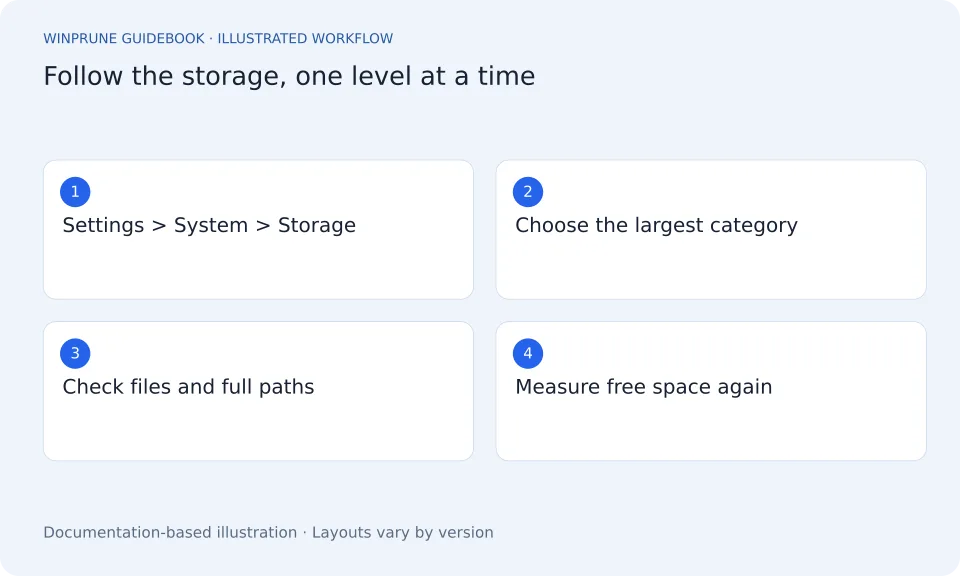
Free Up Space Safely
Review what you no longer need. Keep what matters.
Open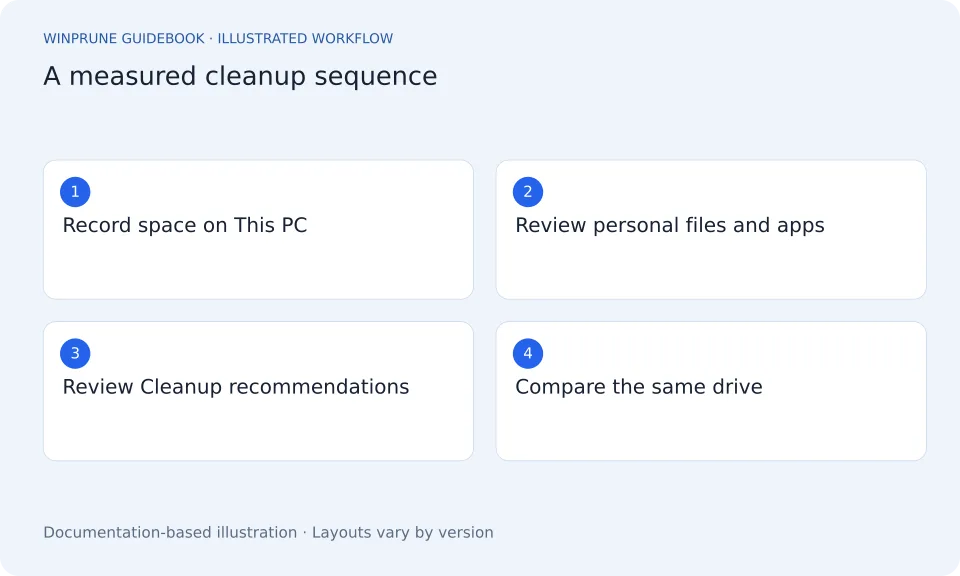
Troubleshoot Windows
Make sense of a full drive and confusing Windows behavior.
Open 1 GUIDEPC Performance
Look at storage, startup apps, and the work your PC is doing.
Open 2 GUIDESWinPrune Guides
Open 1 GUIDETools & Comparisons
OpenUnderstand Storage
Files, apps, and system data. Know what the numbers mean.
Where Is Your Disk Space Going on Windows?
Start with the whole drive, follow the largest categories, and learn which files deserve a closer look before you clean anything.
Hidden Files and Folders on Windows
Hidden is a display setting, not a signal that a folder is junk. Learn how to look without putting application or system data at risk.
Find Large Files on Windows: A Practical Guide
Use Windows storage categories and File Explorer to narrow the search. A large file is a clue about disk usage, not a deletion instruction.
Free Up Space Safely
Review what you no longer need. Keep what matters.
Free Up Disk Space on Windows Safely
A practical order of operations: record your free space, review personal files, remove unused apps, then use supported Windows cleanup tools.
Disk Cleanup vs Storage Sense: Which Should You Use?
One helps you review a cleanup now. The other can run on a schedule. Understand the scope and retention settings before choosing either.
Clean Your Windows Downloads Folder Safely
Find old installers, archives, and repeated downloads. Review what you need before removing anything, and keep the browser list separate from the actual files.
Clear Microsoft Edge Cache Without Losing Passwords
Cached files, cookies, saved passwords, and download history are different. Use Edge’s controls to choose the data you actually mean to clear.
OneDrive Free Up Space vs Delete
Removing a local copy and deleting a synced file are different actions. Learn which choice keeps the file in OneDrive and what to check first.
Review the Windows Recycle Bin Before Emptying It
Deleted files may still occupy disk space. Check the original locations and restore anything important before making removal permanent.
Review Duplicate Files on Windows Safely
Similar names do not prove files are interchangeable. Compare contents, locations, and app dependencies before keeping one copy and removing another.
Troubleshoot Windows
Make sense of a full drive and confusing Windows behavior.
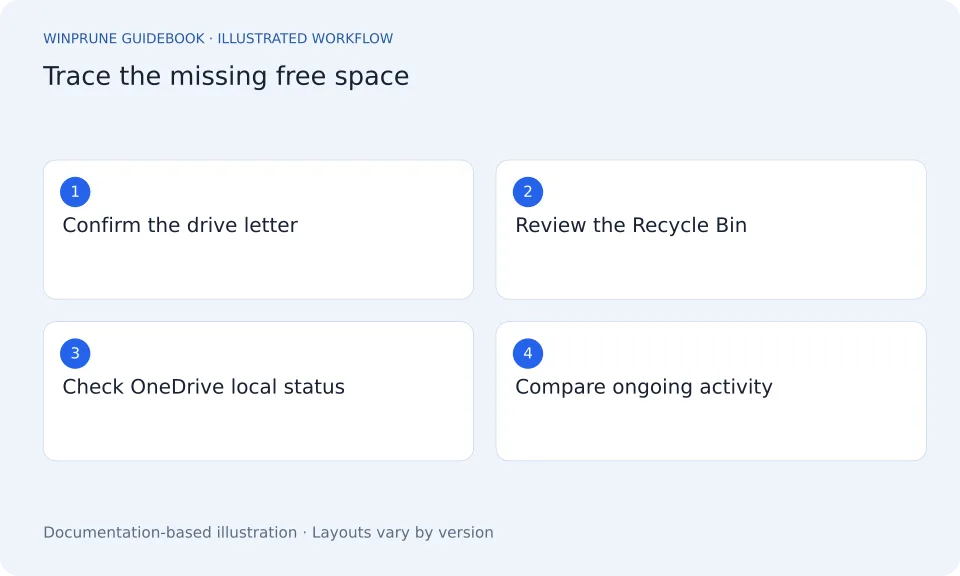
C Drive Still Full After Deleting Files?
Check the drive, the Recycle Bin, synced files, and newly created data before assuming your cleanup did nothing.
Why Is the Windows Installer Folder So Large?
The installer cache supports application maintenance. Learn why its size is a reason to investigate, not permission to erase it.
PC Performance
Look at storage, startup apps, and the work your PC is doing.
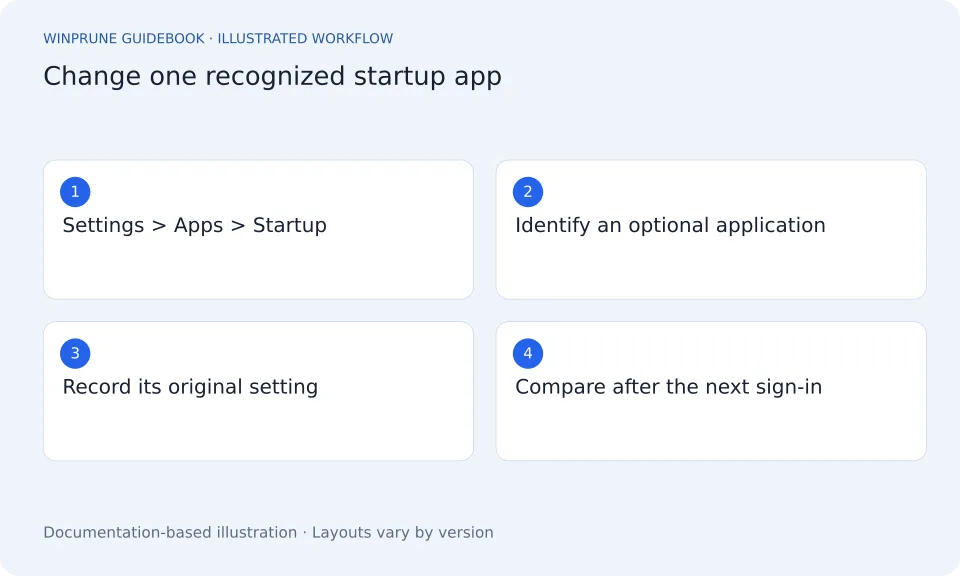
Manage Startup Apps in Windows
Review what starts when you sign in, disable only entries you understand, and keep a record so you can reverse the change.
WinPrune Guides
Prepare for WinPrune and build a careful file-review routine.
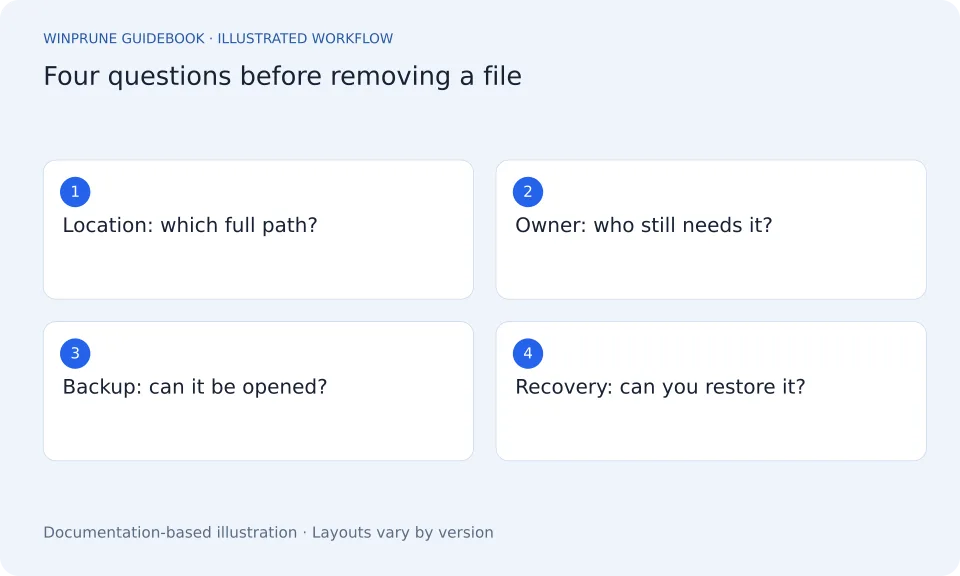
A File Cleanup Checklist: What to Check First
Use a simple checklist for location, ownership, recovery, and backups before removing a file with any storage tool.
WinPrune Release, Download & Activation Checklist
What is available today, what to verify before installing, and where download, activation, and licensing information will appear.
Tools & Comparisons
Choose the right storage tool for the question you’re asking.
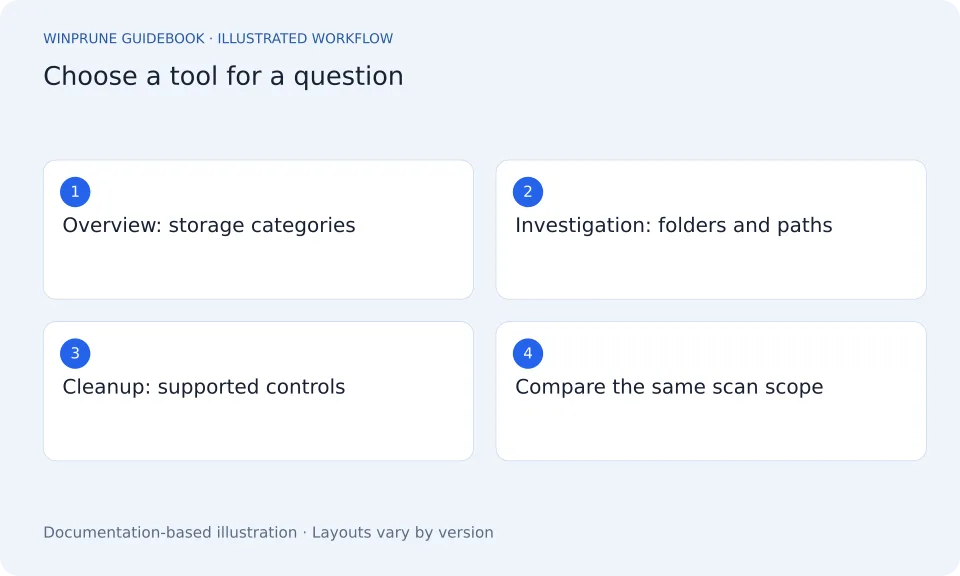
How to Choose a Windows Disk Space Analyzer
Evaluate the question a tool answers, its measurement scope, and its cleanup safeguards before you compare screenshots or scan-time claims.
Keep exploring your storage.
Get a clearer view of your Windows storage. Start with the guides, then explore WinPrune and its current release information.
Explore the Free and Pro toolsNot sure yet? Check download availability first
Checkout and installer are not yet available.