WinPrune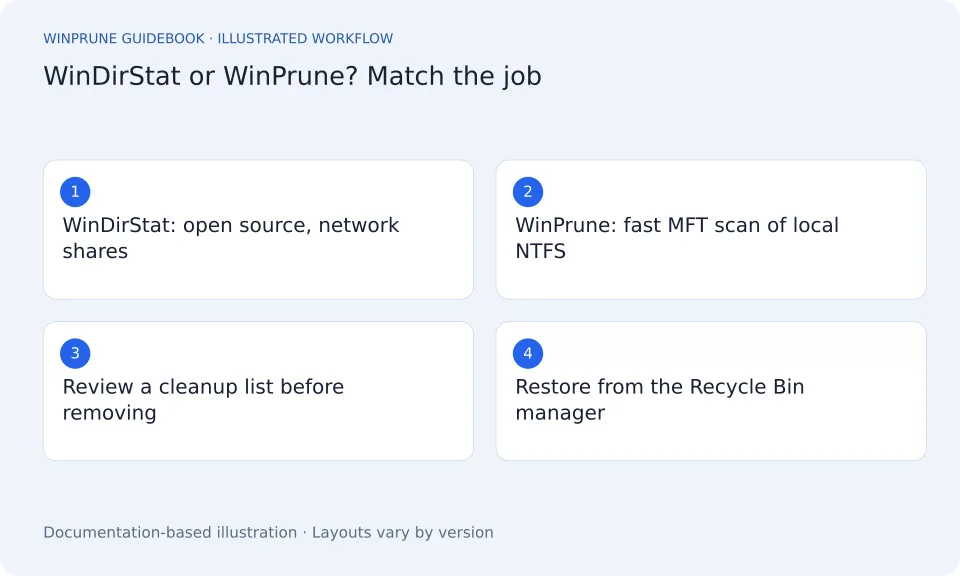
WinDirStat has helped people find large folders for many years. If you are looking for an alternative, it is usually for one of two reasons: you want a different scanning approach on your main Windows drive, or you want a calmer, more guided way to clean up what you find.
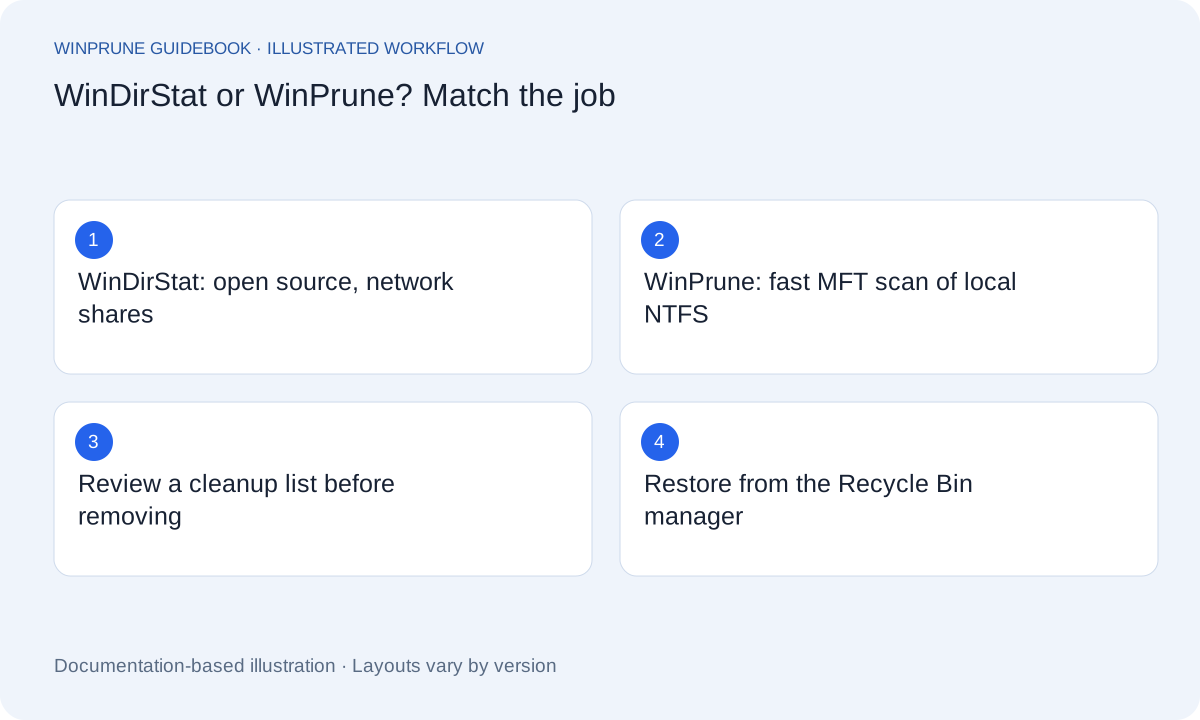
How do WinDirStat and WinPrune compare?
WinDirStat details below come from its official website. Check the current release before you install.
| Question | WinDirStat | WinPrune |
|---|---|---|
| License and price | Free and open source (GPL v3 or later) | Free version; Pro is $15.99 USD one-time |
| How it scans | Scans folders, drives, network shares and MTP devices; elevated permissions speed up local NTFS scans | Reads the NTFS Master File Table directly on local NTFS drives |
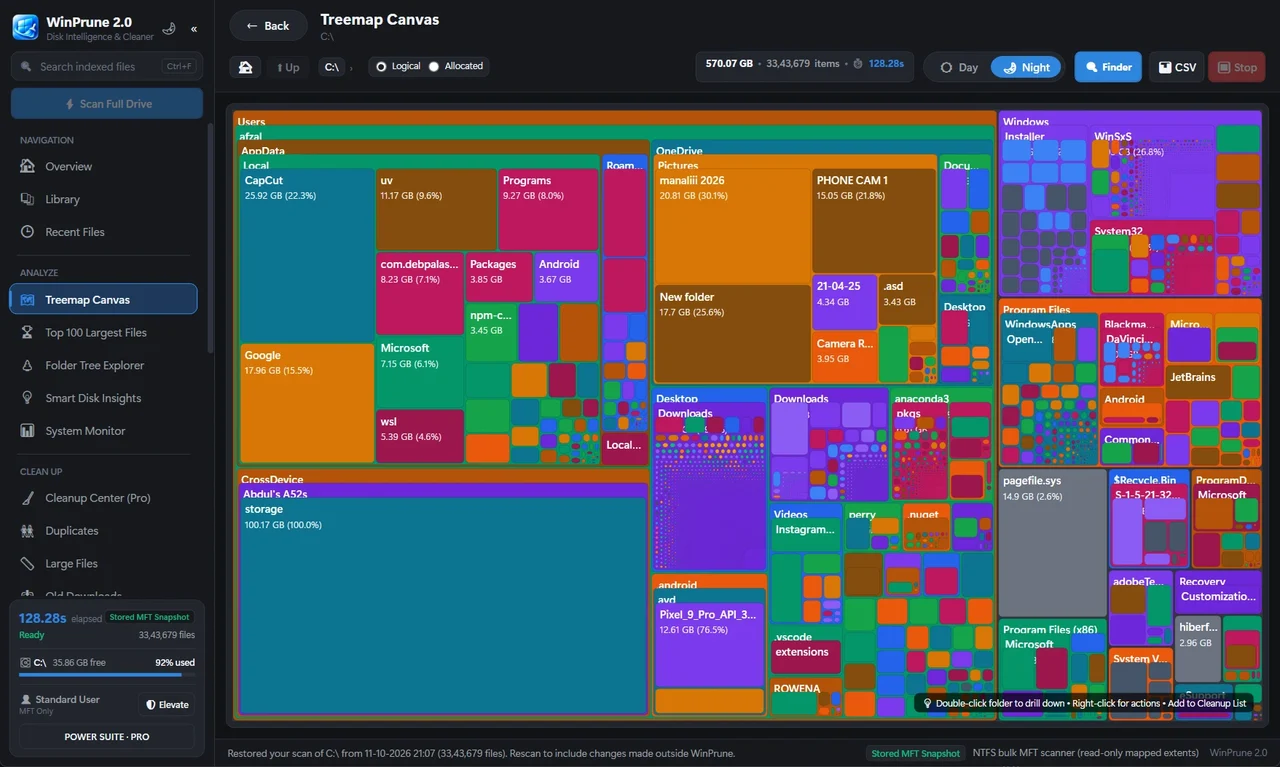
| Views | Treemaps, sunburst and flame graphs, largest files and file types, according to its website | Treemap storage map (free); Pro adds Overview dashboard, Library with thumbnails and folder tree |
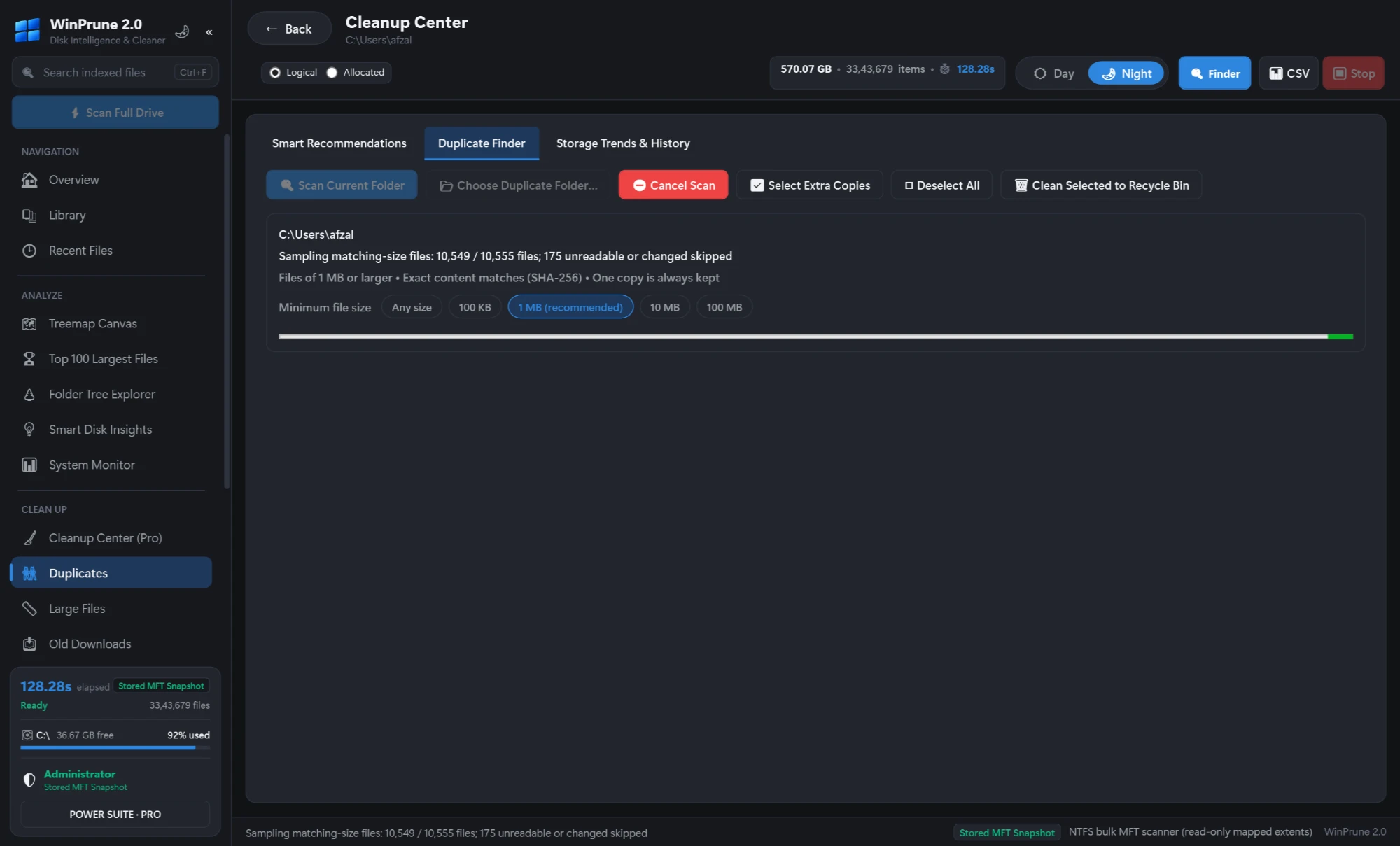
| Duplicates | Content-hash duplicate finder, according to its website | Pro: duplicate finder with thumbnails, matched by SHA-256 |
| Cleanup | Runs cleanup tools from the app, according to its website | Pro: Cleanup center review list; files go to the Recycle Bin first; Recycle Bin manager to restore |
| Network shares | Yes | No; local NTFS drives on Windows 10 and 11 (64-bit) |
| Reports | CSV and JSON export, saved snapshots, according to its website | Storage trends and history in Pro |
When should you stay with WinDirStat?
- You want open-source software, or you need to audit the code.
- You scan network shares, MTP devices or non-NTFS drives.
- You want reports, exports and snapshots for scripting or documentation.
When is WinPrune the better WinDirStat alternative?
- Your question is “what is filling my C: drive?” on a local NTFS disk, and you want the fast Master File Table scan by default.
- You want to review a cleanup list before anything moves, and keep every removal in the Recycle Bin until you are sure.
- You want thumbnails in the Library and duplicate finder, so photos and videos are easy to recognise.
- You want live CPU, memory, network and power stats alongside storage.
How do you switch from WinDirStat to WinPrune?
- Keep WinDirStat installed if you use it for network shares. The two do not conflict.
- Download WinPrune from the download page and run a scan of your C: drive.
- Start with the largest blocks on the treemap and note each path before you change anything.
- Use Pro’s Cleanup center when you are ready to remove files, then review the Recycle Bin before emptying it.
Try the scan on your own drive. Download WinPrune free.
What should you never delete from a disk analyzer?
Sources & further reading
Windows instructions checked against the official documentation linked here. Controls can vary by Windows version and device configuration.
YOUR NEXT STEP
Put your storage knowledge into practice.
Download WinPrune free for Windows 10 & 11, scan your drive, and see where your space goes.
Explore WinPrune Download free WinPrune Pro · $15.99 USD · One-time payment. No recurring billing.