WinPrune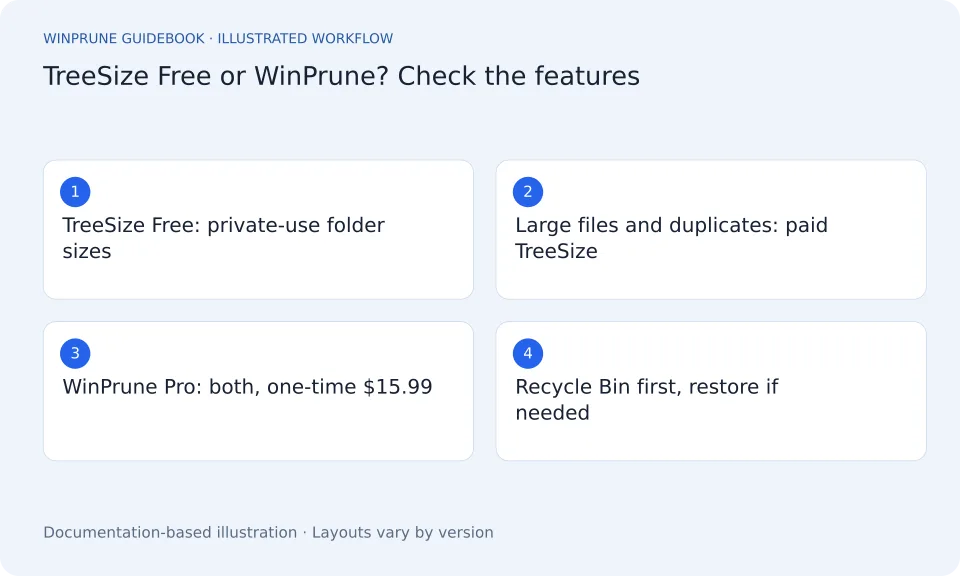
TreeSize is a well-known folder-size tool from JAM Software, with a free edition and paid Personal and Professional editions. The right choice depends on which features you need and how you prefer to pay for them.
How do TreeSize Free and WinPrune compare?
TreeSize details below come from JAM Software’s editions page and may change. Check the current page before buying.
| Question | TreeSize | WinPrune |
|---|---|---|
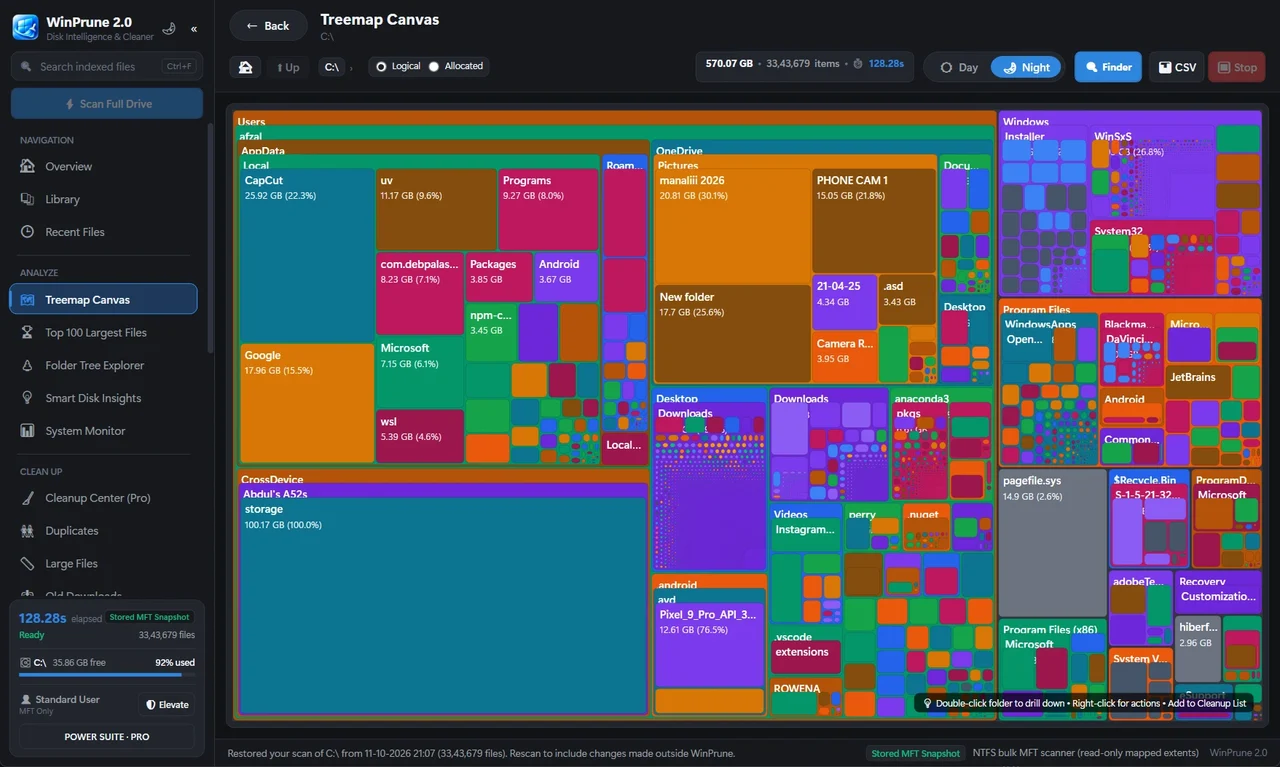
| Free edition | TreeSize Free, for private use in a non-commercial environment | WinPrune Free: fast NTFS scan, treemap storage map, live stats |
| Treemap | Yes, 2D and 3D, in the free edition | Yes, in the free version |
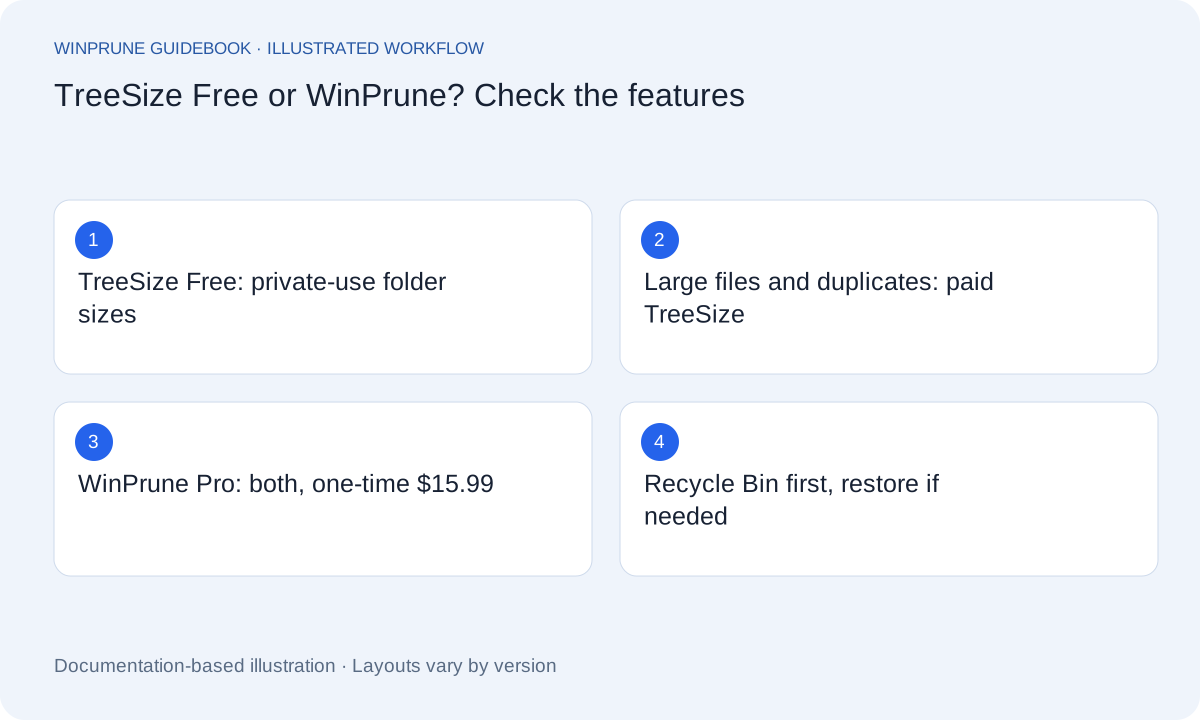
| Find large files | Paid editions only, according to JAM Software | Pro: Top 100 largest files |
| Duplicate files | Paid editions only, according to JAM Software | Pro: duplicate finder with thumbnails |
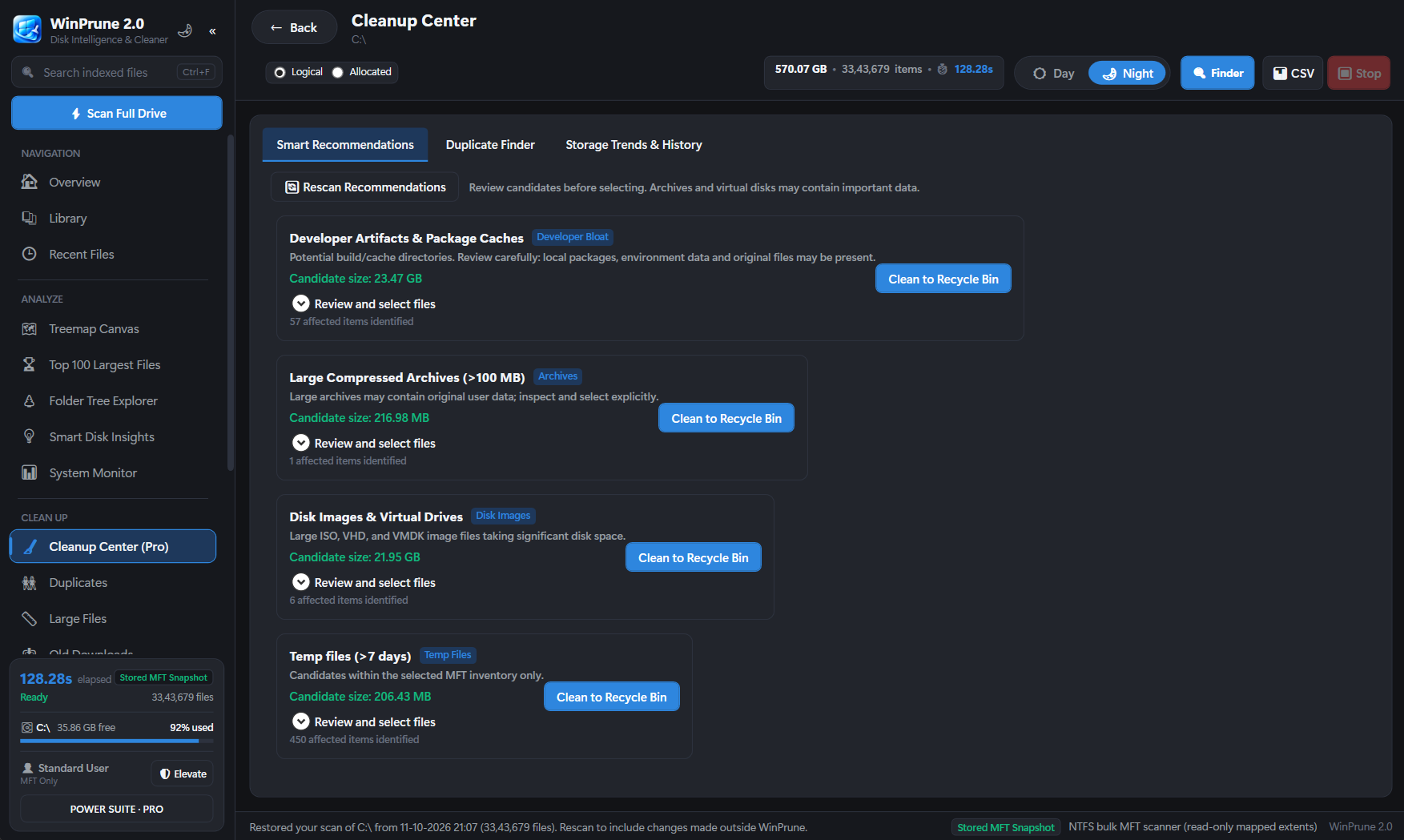
| Cleanup and restore | Extended file operations with undo in paid editions | Pro: Cleanup center review list, Recycle Bin first, Recycle Bin manager |
| Network and cloud storage | Mapped drives in Free; servers and cloud storage in paid editions | Local NTFS drives on Windows 10 and 11 (64-bit) |
| Price for the paid features | Personal from $25.20 per user per year; Professional from $49 per user per year, according to JAM Software | $15.99 USD one-time, no subscription |
When is TreeSize the better choice?
- You need to scan servers, cloud storage or many network locations.
- You need scheduled scans, command-line exports or business licensing at scale.
- You prefer a classic folder tree with percentage bars as your main view.
When is WinPrune the better TreeSize Free alternative?
- You want largest files and duplicates without a yearly plan.
- You are cleaning up your own Windows 10 or 11 PC and want the fast Master File Table scan.
- You want every removal to land in the Recycle Bin first, with a manager to restore it.
- You want thumbnails, so you can recognise photos and videos before removing a copy.
How do you try WinPrune instead of TreeSize?
- Download WinPrune from the download page. The free version needs no license key.
- Scan your drive and compare the treemap with TreeSize’s folder view.
- Unlock Pro if you want the largest-files view, duplicate finder and Cleanup center. It is the same app, unlocked with a key.
See where your space goes in about a minute. Download WinPrune free.
A safe cleanup habit for any tool
Sources & further reading
Windows instructions checked against the official documentation linked here. Controls can vary by Windows version and device configuration.
YOUR NEXT STEP
Put your storage knowledge into practice.
Download WinPrune free for Windows 10 & 11, scan your drive, and see where your space goes.
Explore WinPrune Download free WinPrune Pro · $15.99 USD · One-time payment. No recurring billing.