Free Up Space Safely
Review what you no longer need. Keep what matters.
Free Up Disk Space on Windows Safely
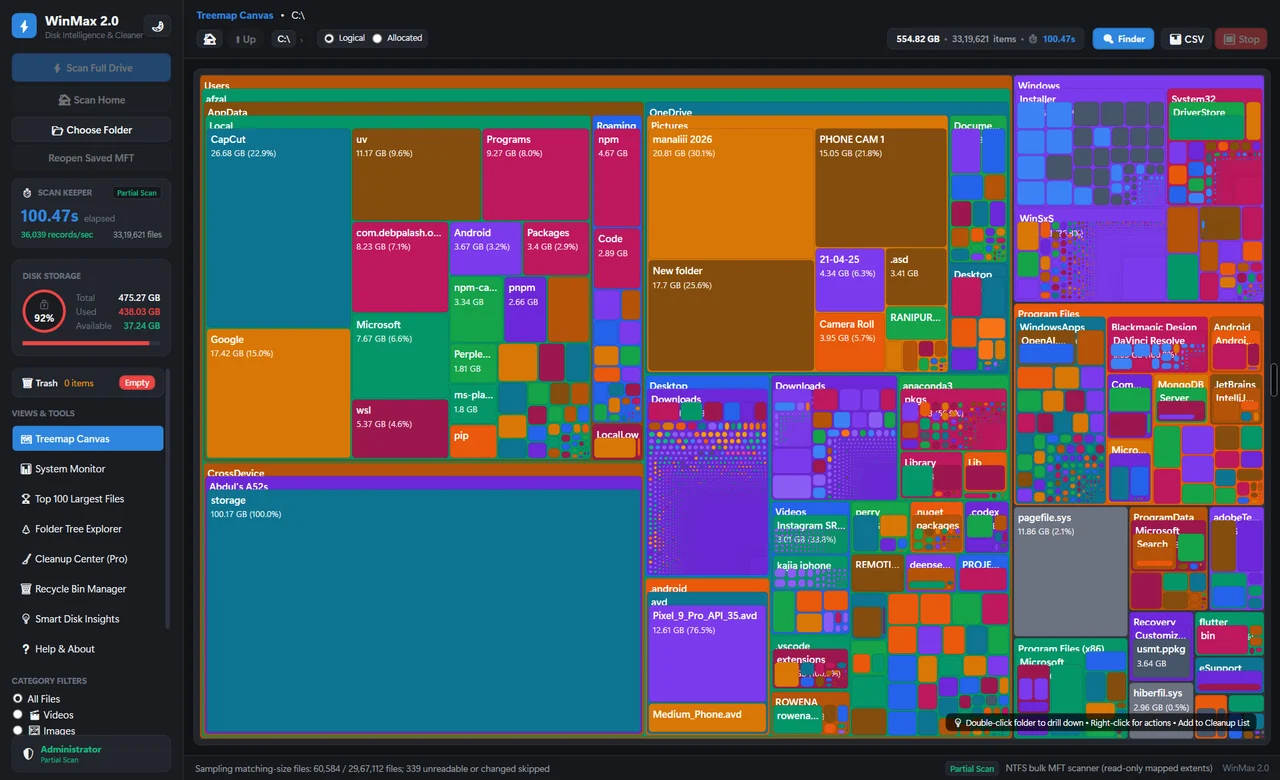
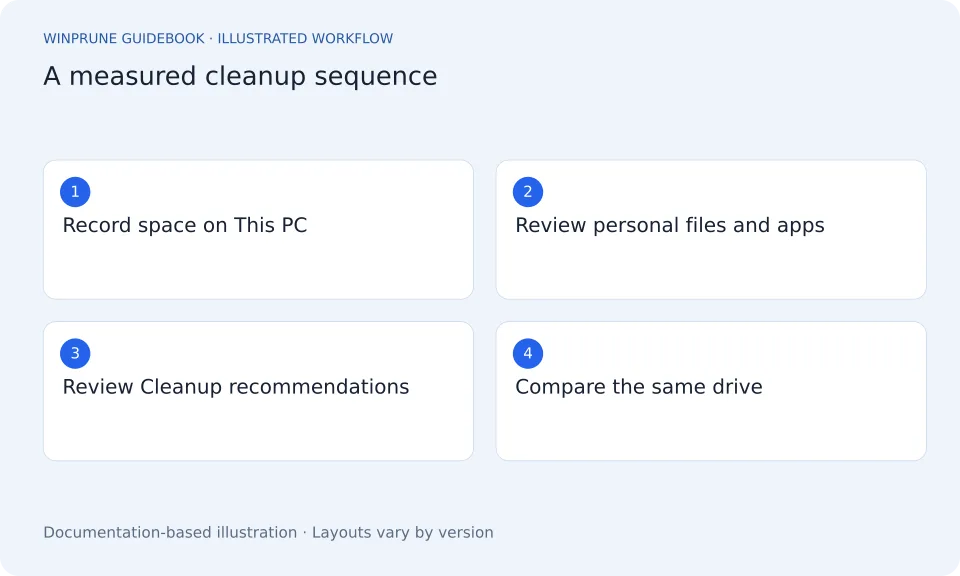
A practical order of operations: record your free space, review personal files, remove unused apps, then use supported Windows cleanup tools.
Disk Cleanup vs Storage Sense: Which Should You Use?
One helps you review a cleanup now. The other can run on a schedule. Understand the scope and retention settings before choosing either.
Clean Your Windows Downloads Folder Safely
Find old installers, archives, and repeated downloads. Review what you need before removing anything, and keep the browser list separate from the actual files.
Clear Microsoft Edge Cache Without Losing Passwords
Cached files, cookies, saved passwords, and download history are different. Use Edge’s controls to choose the data you actually mean to clear.
OneDrive Free Up Space vs Delete
Removing a local copy and deleting a synced file are different actions. Learn which choice keeps the file in OneDrive and what to check first.
Review the Windows Recycle Bin Before Emptying It
Deleted files may still occupy disk space. Check the original locations and restore anything important before making removal permanent.
Review Duplicate Files on Windows Safely
Similar names do not prove files are interchangeable. Compare contents, locations, and app dependencies before keeping one copy and removing another.
Keep exploring your storage.
Get a clearer view of your Windows storage. Start with the guides, then explore WinPrune and its current release information.
Explore the Free and Pro toolsNot sure yet? Check download availability first
Checkout and installer are not yet available.