WinPrune
3 guides found
Troubleshoot Windows
Make sense of a full drive and confusing Windows behavior.
START HERE
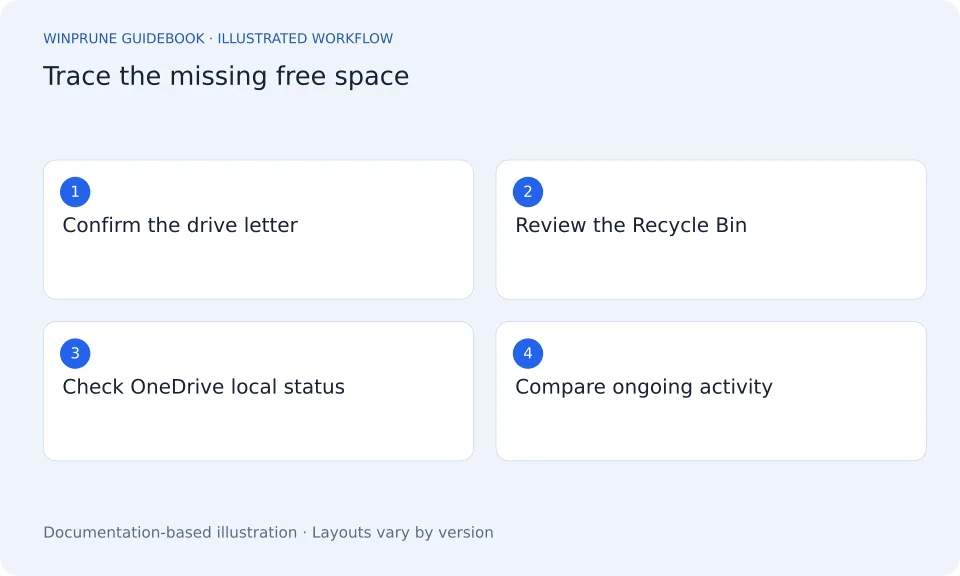
C Drive Still Full After Deleting Files? Fix Windows Storage
Check the drive, the Recycle Bin, synced files, and newly created data before assuming your cleanup did nothing.
4 min readBeginner friendlyPublished Updated
Why Is the Windows Installer Folder So Large?
The installer cache supports application maintenance. Learn why its size is a reason to investigate, not permission to erase it.
Windows Storage Full? How to Fix Low Disk Space on Windows 11 and 10
Your Windows storage is full and the PC warns about low disk space. Work through this order: confirm the drive, empty what you reviewed, use Cleanup recommendations, then move or remove the biggest items.
Keep exploring your storage.
Get a clearer view of your Windows storage. Start with the guides, then try WinPrune: the Free version scans your drive in about a minute.
Explore the Free and Pro tools One-time payment · No recurring billing
Not sure yet? Download WinPrune free first
Secure checkout by Dodo Payments. Free download for Windows 10 & 11.