3 guides found
Understand Storage
Files, apps, and system data. Know what the numbers mean.
START HERE
Where Is Your Disk Space Going on Windows?
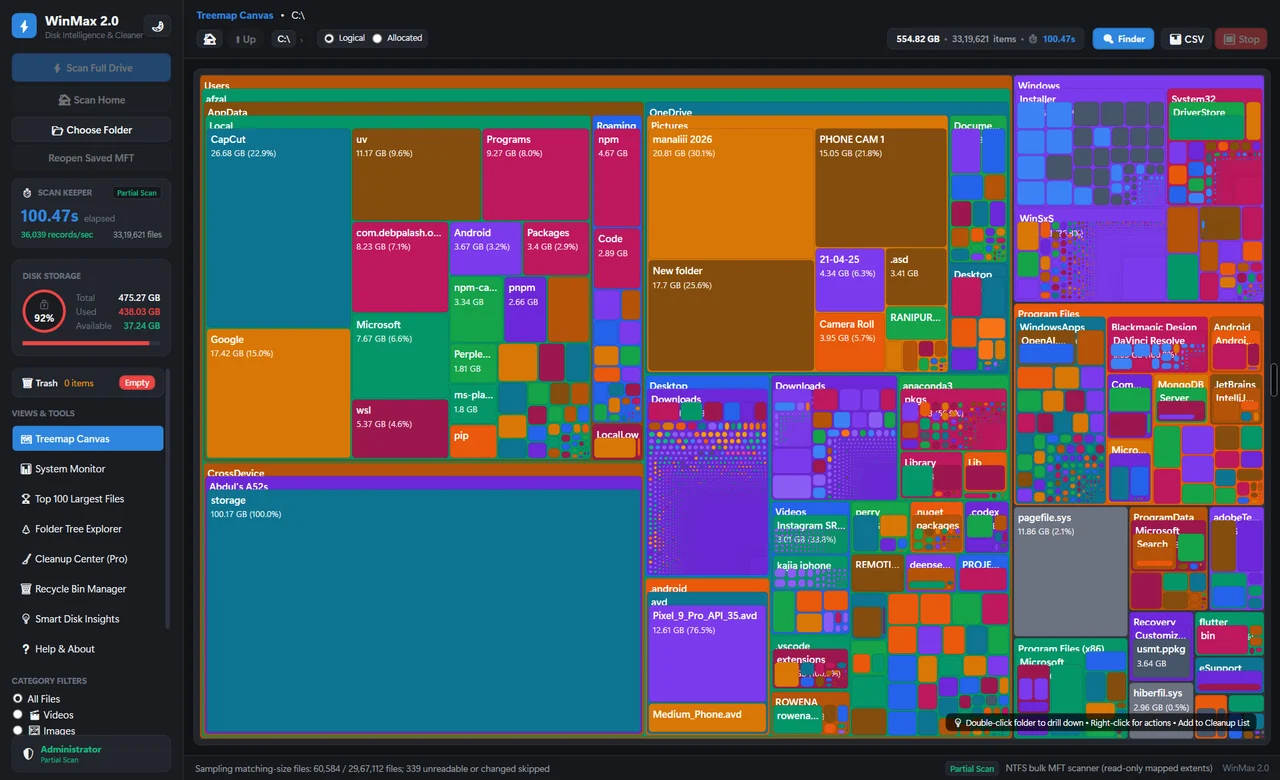
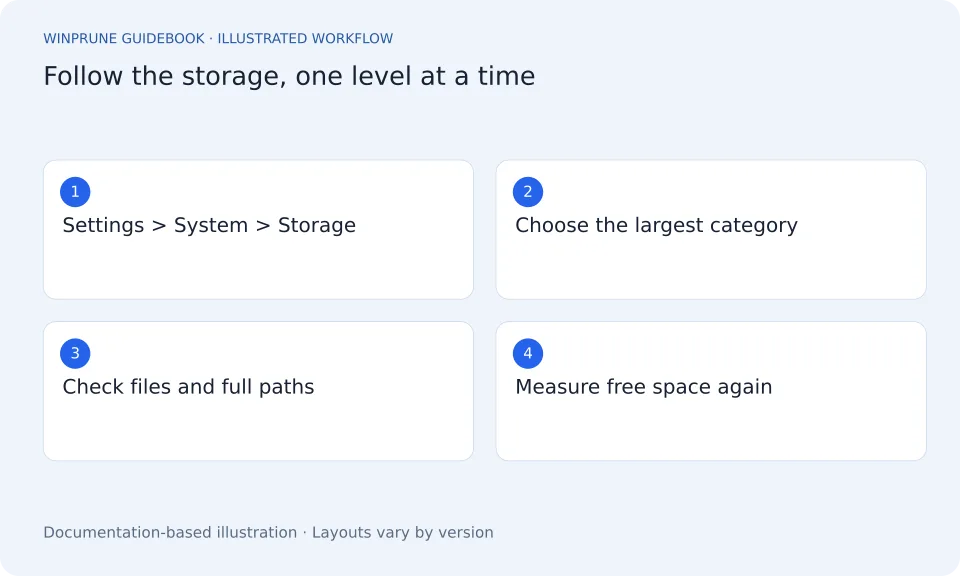
Start with the whole drive, follow the largest categories, and learn which files deserve a closer look before you clean anything.
5 min readBeginner friendlyPublished Updated
Hidden Files and Folders on Windows
Hidden is a display setting, not a signal that a folder is junk. Learn how to look without putting application or system data at risk.
Find Large Files on Windows: A Practical Guide
Use Windows storage categories and File Explorer to narrow the search. A large file is a clue about disk usage, not a deletion instruction.
Keep exploring your storage.
Get a clearer view of your Windows storage. Start with the guides, then explore WinPrune and its current release information.
Explore the Free and Pro tools One-time payment · No recurring billing
Not sure yet? Check download availability first
Checkout and installer are not yet available.