WinPrune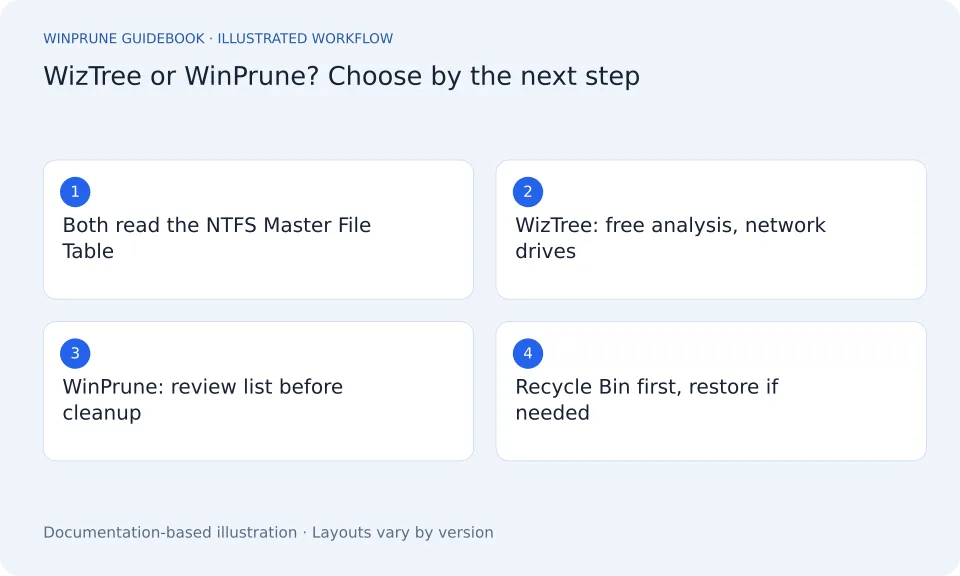
WizTree and WinPrune start from the same idea. On an NTFS drive, Windows keeps a record of every file in the Master File Table. Reading that table directly lets a disk space analyzer total up a whole drive without opening each folder in turn. Where the two tools differ is what happens after the scan.
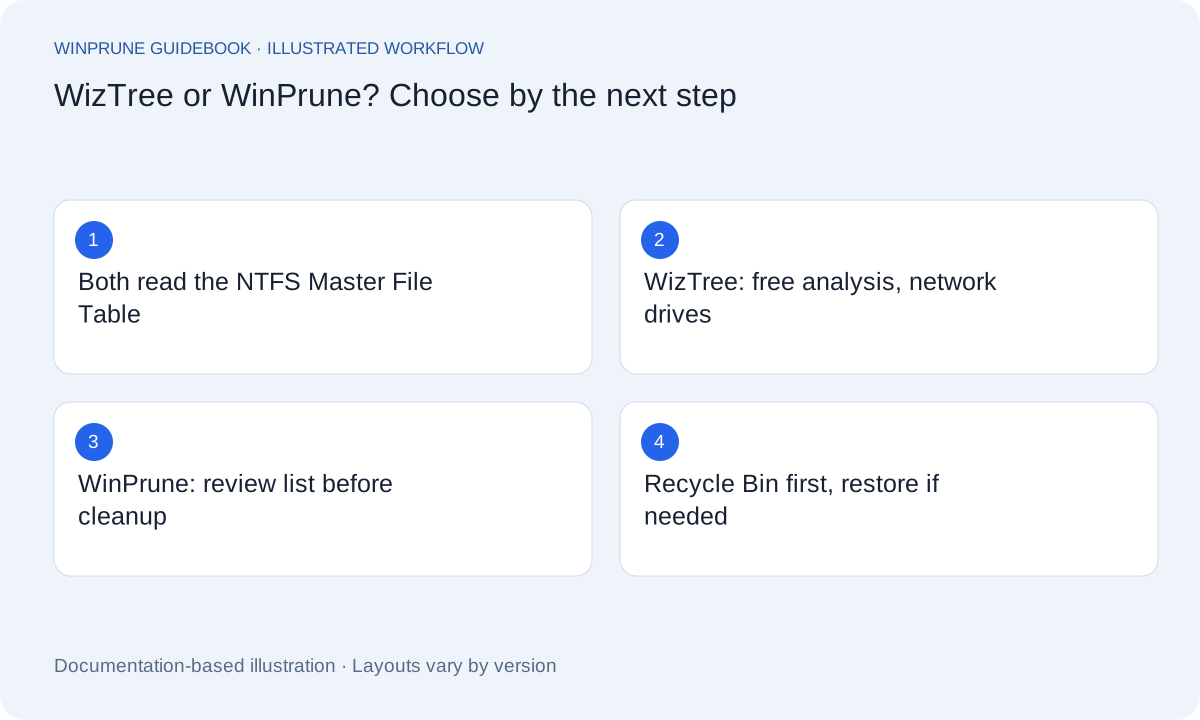
What do WizTree and WinPrune have in common?
- Both read the NTFS Master File Table directly, so both scan large drives quickly and ask for administrator permission to do it.
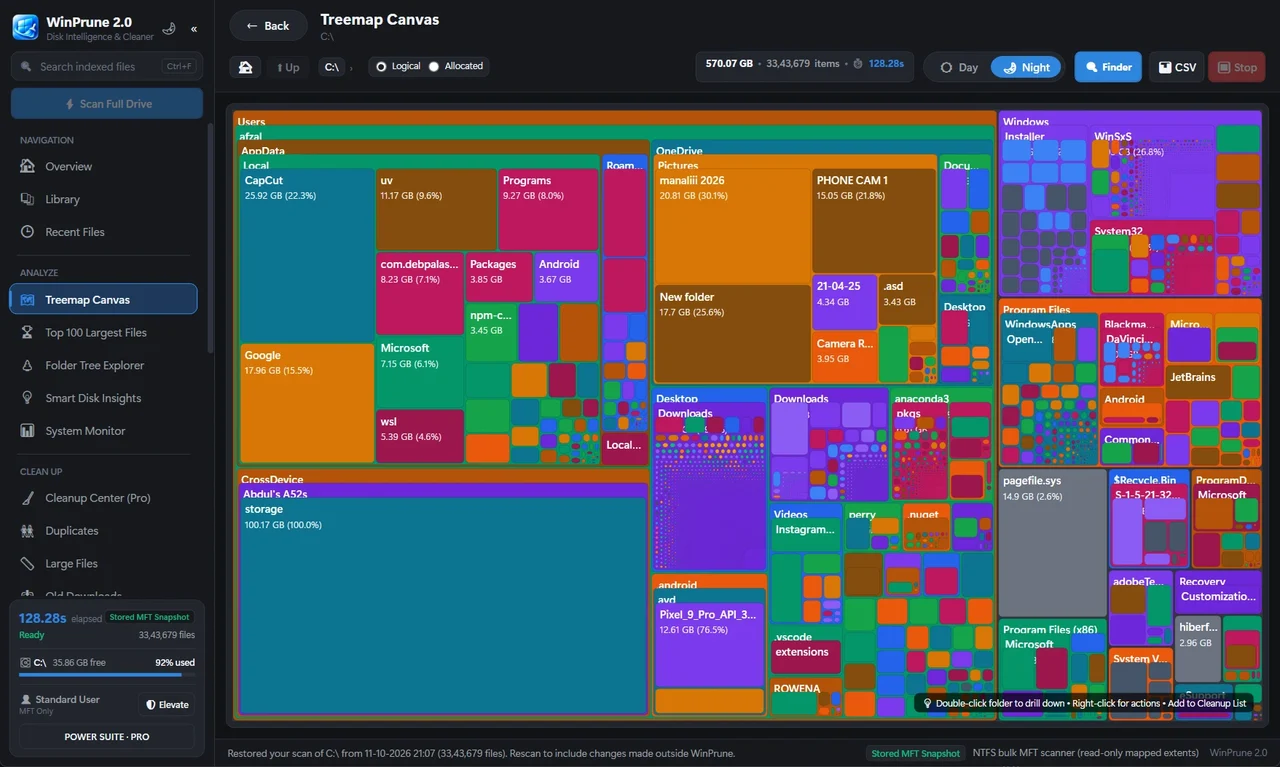
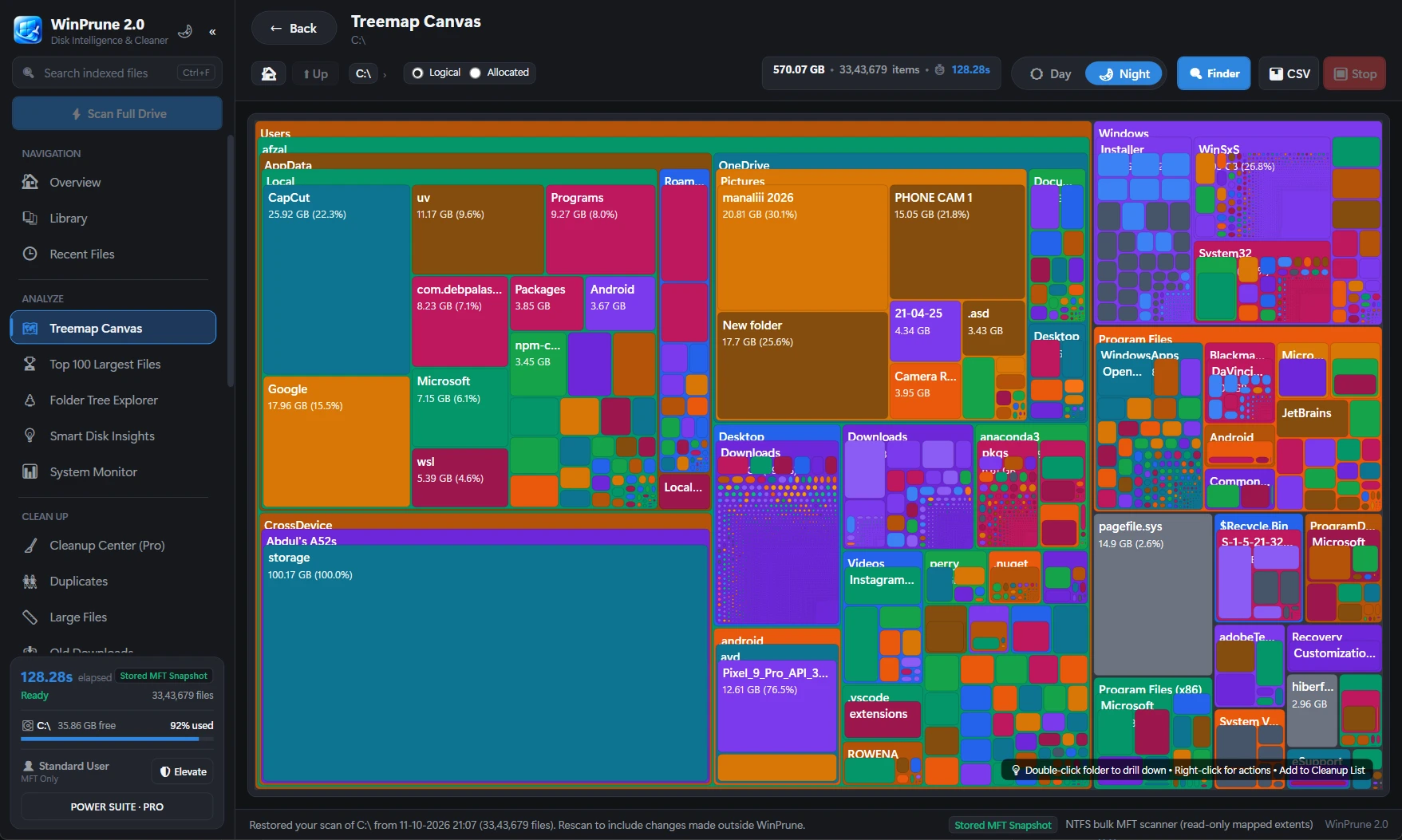
- Both show the drive as a treemap, where each block is sized by the space it uses.
- Both run on Windows and are free to start with.
How do WizTree and WinPrune compare?
WizTree details below come from its official website and may change, so check the current version before you install.
| Question | WizTree | WinPrune |
|---|---|---|
| How does it scan NTFS drives? | Reads the Master File Table directly | Reads the Master File Table directly |
| Other drives | Also scans non-NTFS and network drives, according to its website | NTFS drives on Windows 10 and 11 (64-bit) |
| Treemap | Yes | Yes, free |
| Largest files and duplicates | Yes, according to its website | Pro: Top 100 largest files and a duplicate finder with thumbnails |
| Acting on results | Analysis focused | Pro: Cleanup center review list, files go to the Recycle Bin first, Recycle Bin manager to restore |
| Extras | CSV export and command-line options, according to its website | Library by file type with thumbnails, live CPU, memory, network and power stats |
| Price | Free for personal use; commercial use needs a paid Supporter Code, according to its website | Free version; Pro is $15.99 USD one-time, no subscription |
When is WizTree the better choice?
- You want a free tool for personal use that includes largest files and duplicates at no cost.
- You need to scan network drives or non-NTFS drives.
- You want CSV export or command-line automation.
That is a fair list, and it is why WizTree is so often recommended. If those points describe you, WizTree is a good pick.
When is WinPrune the better WizTree alternative?
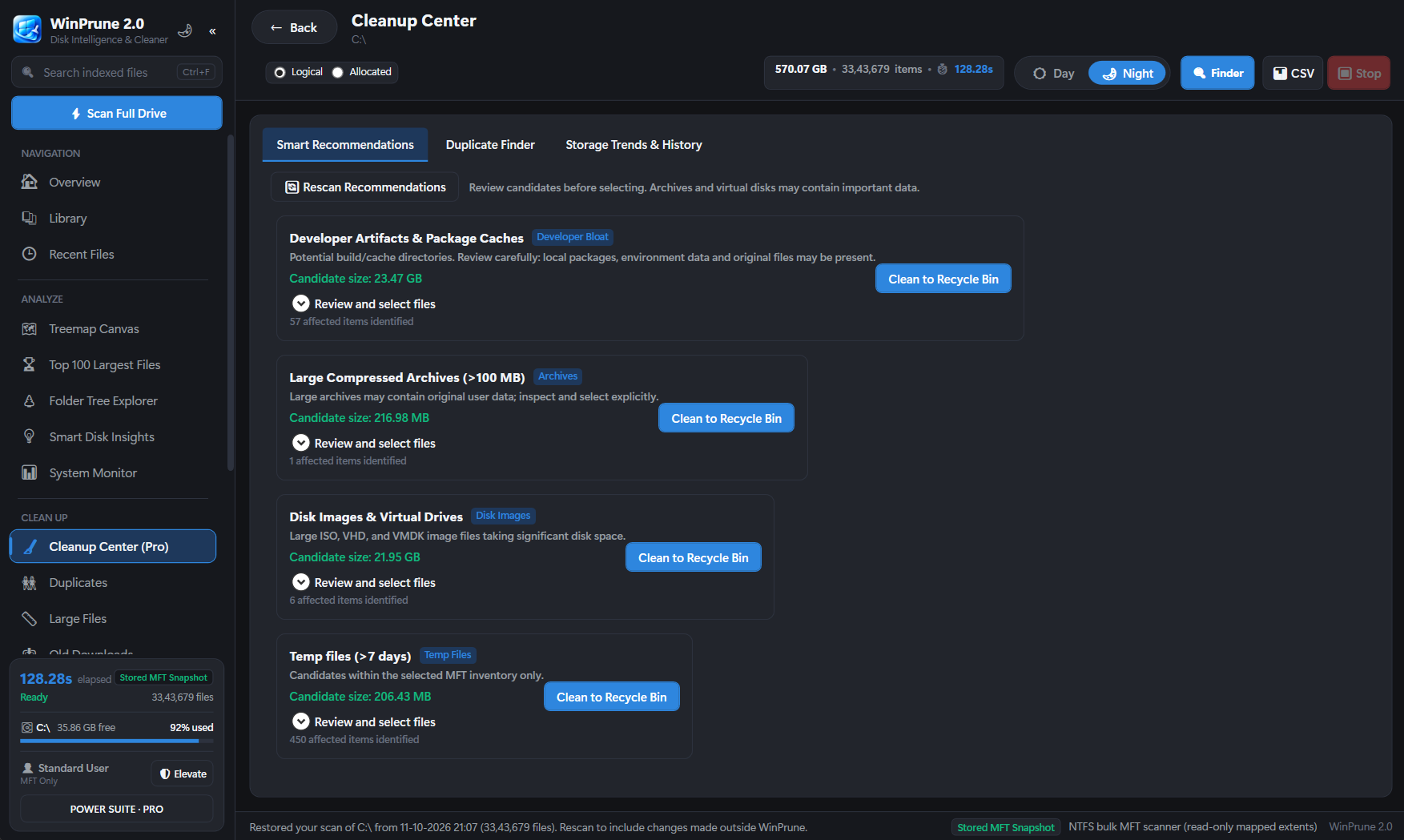
- You want to clean up, not just look. WinPrune Pro builds a cleanup list you review before anything moves.
- You want a safety net. Everything WinPrune removes goes to the Recycle Bin first, and the Recycle Bin manager shows the original location so you can restore it.
- You want to see files, not just blocks. The Library and duplicate finder show thumbnails, so you can tell which copy of a photo or video you are removing.
- You prefer a one-time price. WinPrune Pro is $15.99 USD once, with no subscription.
Can you use WinPrune and WizTree together?
Yes. They do not conflict, and many people keep more than one analyzer installed. A sensible routine is to scan with whichever tool you like, then do the actual cleanup in one place where you can review the list and restore anything you change your mind about.
How do you try WinPrune as a WizTree alternative?
- Download WinPrune-Setup.exe from the download page and run it. No admin rights are needed to install.
- Open WinPrune, click Scan and allow administrator permission so it can read the Master File Table.
- Compare the treemap with what you see in WizTree. The largest folders should match, because both read the same table.
- If you want the cleanup tools, unlock Pro with a license key. Free and Pro are the same app.
See the drive for yourself before you decide. Download WinPrune free.
Before you delete anything a scan finds
Sources & further reading
Windows instructions checked against the official documentation linked here. Controls can vary by Windows version and device configuration.
Put your storage knowledge into practice.
Download WinPrune free for Windows 10 & 11, scan your drive, and see where your space goes.
Explore WinPrune Download free WinPrune Pro · $15.99 USD · One-time payment. No recurring billing.