Start with the release information
Current release status: 5 October 2026
| Item | Current status |
|---|---|
| Website and Windows guides | Available at winprune.com |
| Windows installer | Not available for download yet |
| Pro checkout | Not open; no payment details collected |
| Free / Pro tools | Planned split shown in Features |
| Activation, updates and refunds | Details to be published before purchases open |
Use the official release page as the source of truth. A screenshot on a product website does not establish the version, supported architecture, download integrity or license conditions of an installer.
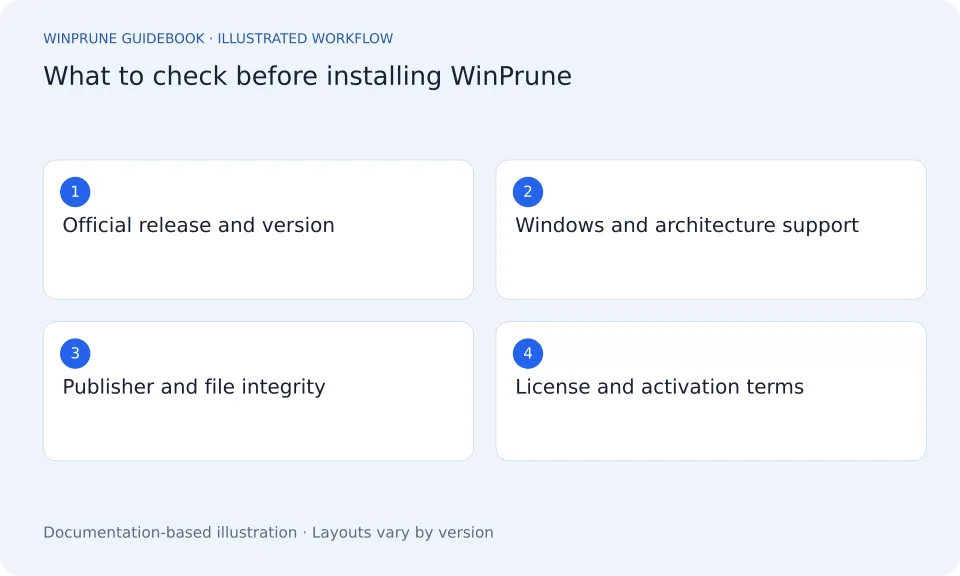
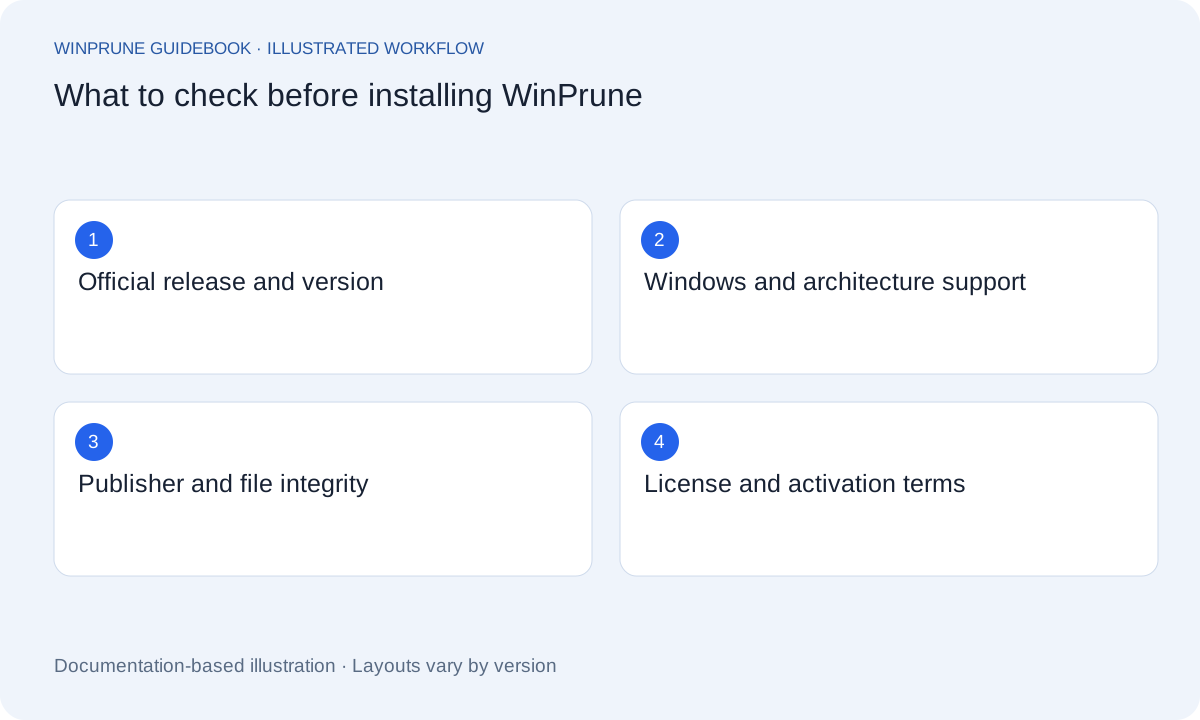
The download-status page is the place to check for the official installer once it is available. Before installing, look for a release version, supported Windows versions, architecture, publisher information, and verified release destination. Check the actual release information rather than relying on a product image.
The current website does not provide a usable installer or an activation workflow. That is why this guide does not describe a Scan button, a settings screen, or a license-entry field. Use the official instructions for the version you install.
Before downloading
- Check the official download-status page and verify that it links to an actual release.
- Confirm the operating-system and hardware requirements for that release.
- Read the application privacy policy and installation instructions when they are published.
- Keep important files backed up before using any new file-management tool.
Before buying Pro
WinPrune Pro is priced at $15.99 USD as a one-time payment. There is no monthly subscription, annual subscription, or recurring billing. The Buy WinPrune Pro link currently opens a purchase-status page; checkout is unavailable and no payment details are collected.
A price is not a complete license policy. Before buying when purchases open, review the included Pro features, device limits, activation procedure, update eligibility, future-major-version treatment, support scope, and refund terms. This website does not promise lifetime updates or lifetime support.
When a verified release arrives
- Follow the supplied installation instructions and check the release version you installed.
- Read the exact activation steps and keep any receipt or license information secure.
- Begin by inspecting a small, familiar folder, using the released documentation.
- Check selection and recovery behavior before using a cleanup action on important files.
How to use the guidebook meanwhile
The Windows guides here use built-in tools and do not require WinPrune. You can inspect storage categories, review personal files, and develop a careful cleanup routine while waiting for verified product information. These habits will remain useful with a future release or another storage tool.
For the latest availability, use the download and licensing pages linked below. This is a preparation checklist, not a claim that a release has shipped or that a purchase can be completed today.
Sources & further reading
Windows instructions checked against the official documentation linked here. Controls can vary by Windows version and device configuration.
Put your storage knowledge into practice.
Explore WinPrune and check the current download status. The installer and verified application instructions are still being prepared.
Explore WinPrune Download status WinPrune Pro · $15.99 USD · One-time payment. No recurring billing.